
GETTING STARTED
For those of you who are looking to dive in, check out the example templates or try some of the quick starter tutorials below. You may also want to download some free sample media clips to use with VDMX.
If you aren't sure where to begin with VDMX, we recommend starting with the general app overview tutorials which cover a variety of things possible with VDMX and all kinds of useful workflow tips for VJs and other visual artists.
Or browse the entire list of tutorials.
RECENT / POPULAR POSTS









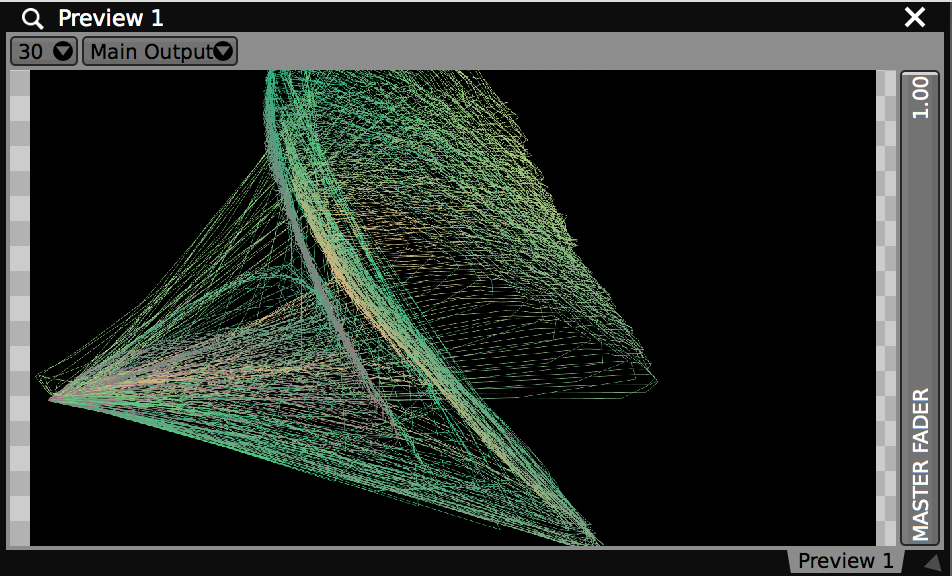


MEDIA FILES, GENERATORS, AND LIVE INPUTS
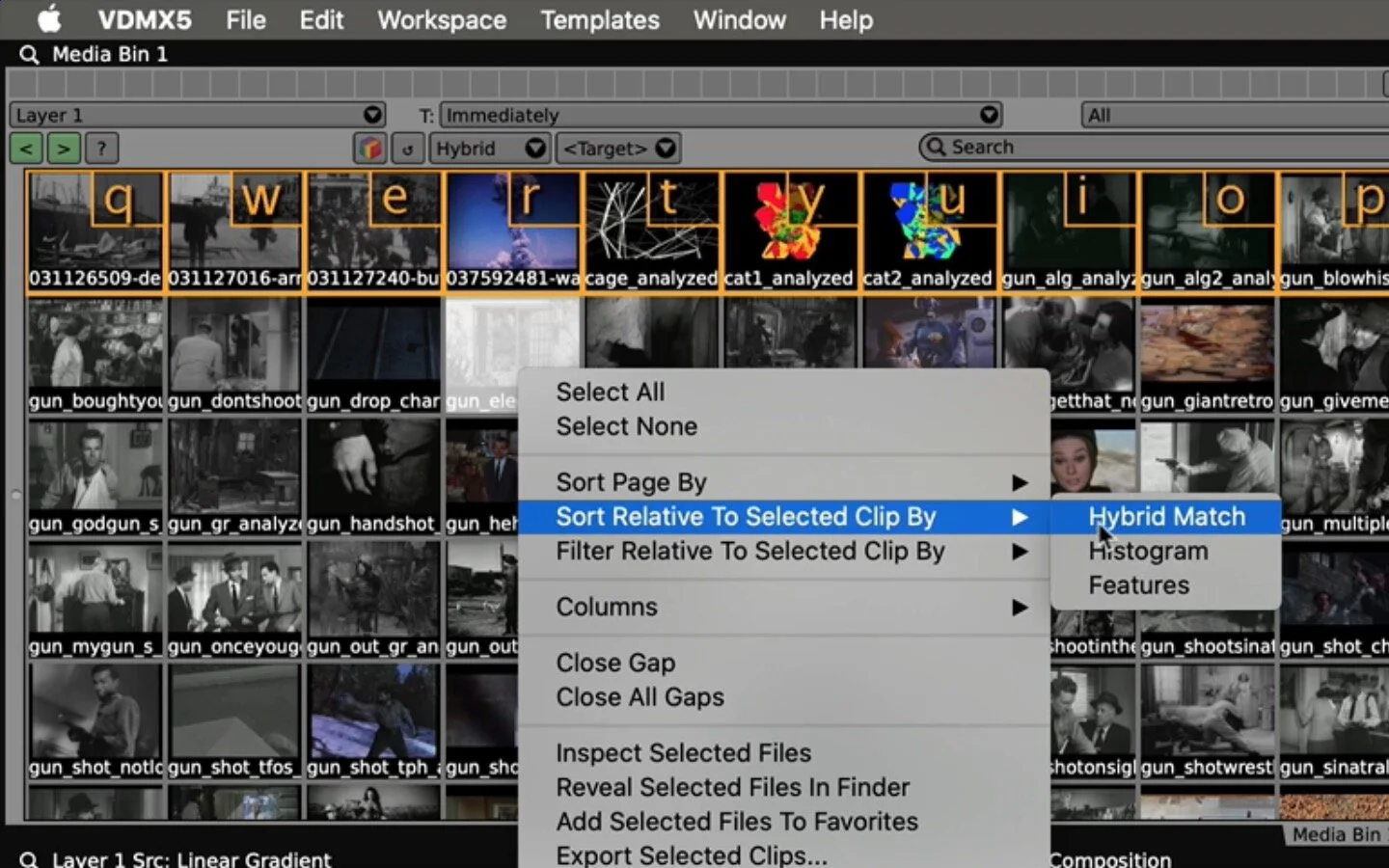
A variety of different media types can be used to provide source images for layers within VDMX. Each source option has its own set of controls for manipulating the playback and output during performance.
The basics:

Your standard video playback controls, time, rate, volume, loop-mode, range, plus some optional quantization settings.

Published inputs from ISF (GLSL), Quartz Composer, FFGL and Vuo generator compositions show up as standard UI control items like sliders, buttons, color pickers and pop-up menus.
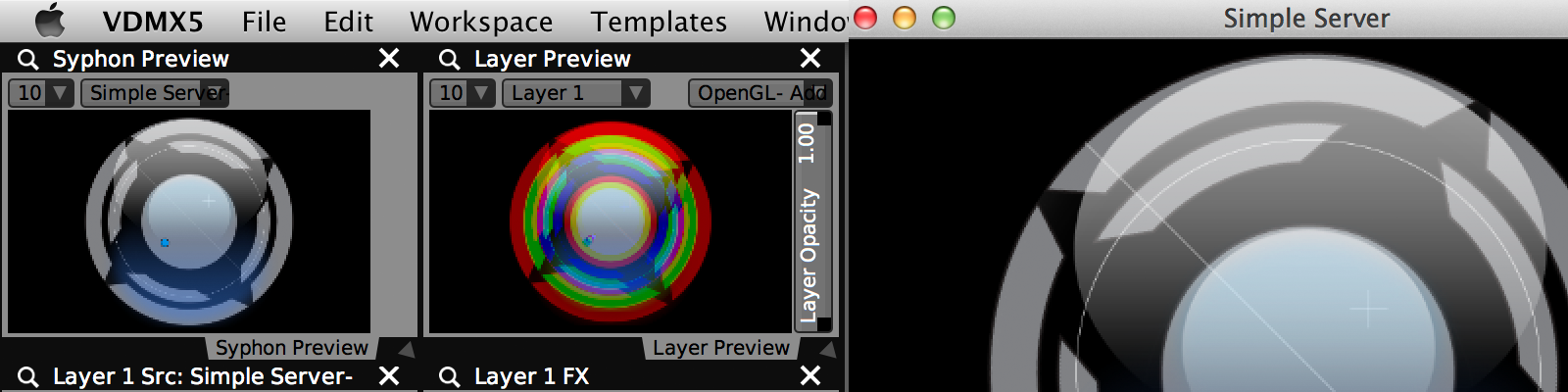
Receive image streams from other video applications on your computer using the Syphon protocol such as Jitter and Processing.

Route multiple live inputs at a time with a whole bunch of options including HDMI capture boxes, webcams, NDI and windows from other open applications.

Standard ISF, QC, text and other visual generators can be directly accessed by layers like other media types.

All of the available source types for layers can be organized onto pages in the media bin where they can be activated as needed.
There are additional tutorials on working with files and further reading in the manual.
IMAGE PROCESSING AND OUTPUT
Within the 'Workspace Inspector' is the 'Layers' tab for managing the canvas and its current arrangement of groups and layers. Once a frame of video is generated for a layer it is passed off to the FX and composition stages where it is rendered for output to your monitor outputs, recorded to disk, or sent to another application for further processing.
The basics:

Each layer can apply a series of real-time CoreImage, Quartz Composer, and FreeFrame / FFGL filters to its source image before composition.

Everything you wanted to know about cropping, size, position, blend modes, transitions, and adjusting opacity of a layer in the main output.

ALPHA CHANNELS, LUMA KEY & MASKS
Use the Shape Mask, Chroma Mask and Layer Mask FX to adjust alpha channels of any layer at any point during its FX chain. Or go nuts and code your own custom masking FX with GLSL.

In the Output Options panel are the controls for switching between Window, Fullscreen and Advanced modes and configuring which connected screens are used.

SYPHON OUTPUT AND NDI OUTPUT
Any number of layers and other available video streams can be sent to other applications using the Syphon Output and NDI Output plugins.

The Preview Window Plugin allows for viewing any video stream in VDMX, including layers before and after FX processing.

Video streams and rendered output can be captured to disk using the Movie Recorder plugin.

How to adjust for non-perpendicular projection onto surfaces.

CREATING CUSTOM FX
Custom FX for VDMX can be made with ISF (GLSL), Quartz Composer, FFGL and Vuo.
There are more tutorials on layers to check out or see the section on layers in the manual.
CONTROL AND AUTOMATION
A powerful rendering engine is only really useful if you can control it in meaningful ways. Pretty much every parameter in VDMX is connected to one of our standard user interface (UI) objects which can be controlled by all the standard protocols you'd expect as well as our standard suite of plugins.
The basics:
Start with an introduction video tutorial on using data sources or the overview of available data-sources for automating and controlling real-time visuals. More useful information can also be found in the manual.

All of the real action happens here, in the UI items and data-sources that are controlling the visuals.

The big three standard control data protocols in the VJ and lighting worlds. Here's what you need to know about them.

Converting an audio signal from a microphone or line input into control data.
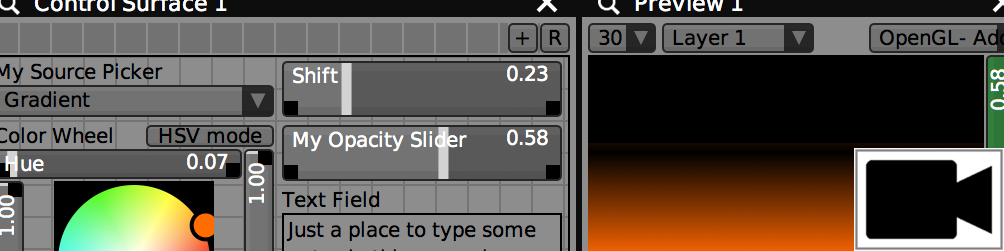
The layout of nearly everything in VDMX can be optimized around the options you need to see on screen during a show using control surface plugins.

Changing localized parameters on FX-chains and individual UI items using local presets.

Use Workspace Presets to save and restore the state of all layers and plugins.

Simple plugins for publishing oscillators and value patterns. Each can be quantized or at its own rate.

A simple plugin for creating fades and transitions between layers.

Developers who want to provide their own control data can create custom plugins from Quartz Composer patches or send local OSC data.